Moving Google Drive Documents to Postgres using Python
•
Jonny Daenen & Tarik Jamoulle
Turn messy Google Drive documents into structured Postgres data - fast. See how PyAirbyte solves scattered knowledge chaos.
Move your Google Drive documents straight into Postgres using Python and PyAirbyte. In this Technical Explorations episode, Jonny and Tarik from Dataminded show how they ingest internal meeting transcripts (Facts at Breakfast, Learning Over Lunch) from Google Drive into a relational table, ready for querying and AI use cases.
You’ll see how to:
Configure PyAirbyte to read from a Google Drive folder
Authenticate with a Google service account (JSON key)
Convert Airbyte output into a clean pandas DataFrame
Load the processed data into a Postgres table
Discuss performance limits, API rate limits, and batching
Reflect on when PyAirbyte is great for PoCs vs. production setups
We also touch on:
How many connectors Airbyte offers and what PyAirbyte can reuse
Trade-offs of code-first ingestion vs. point-and-click UI
Ideas for the next step: using MindsDB and LLMs to query this knowledge base
👉 Try the demo code yourself (Makefile, Postgres, PyAirbyte setup):
Try it out yourself: https://github.com/datamindedbe/demo-technology-exploration/
🌐 More at www.dataminded.com
To stay up to speed in the world of data, subscribe to our channel: https://www.youtube.com/channel/UCxi05zIoV9bm69OAUmRoUDQ?sub_confirmation=1
- For more Technical Explorations
- Deep dives into data platforms, AI, and real-world data engineering
Note: This video is not sponsored or affiliated with Airbyte.
Latest
Talk to your Data in Databricks: dbt, Metric Views & Genie Spaces
AI is only as good as the layer underneath it. In Databricks this is the Metric View: a semantic model that governs how data fits together.
Snowflake Intelligence: Just Ask Your Data
Snowflake Intelligence is a chat interface that turns plain English into SQL, giving business users answers without involving the data team.
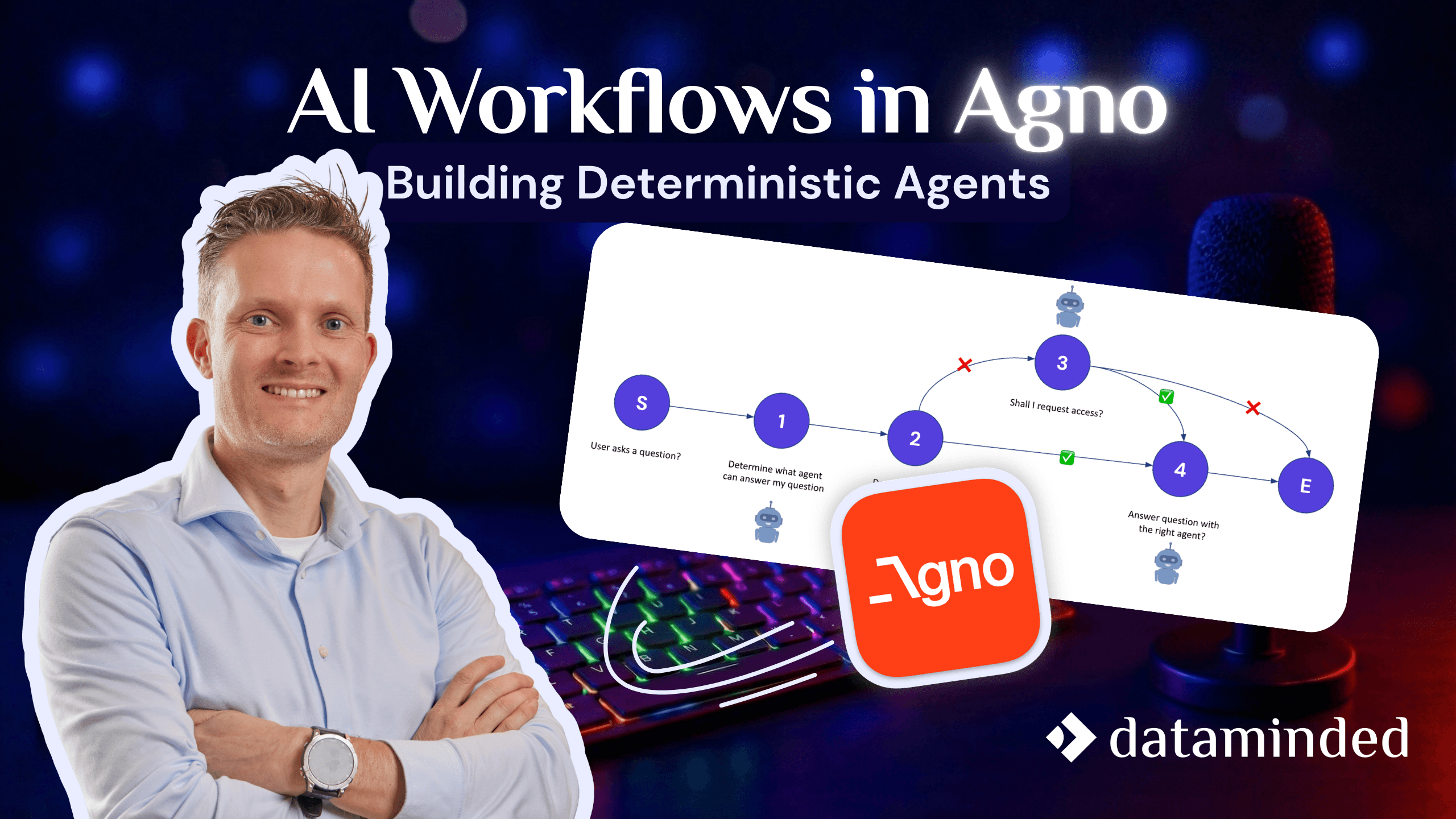
AI Workflows in Agno: Building Deterministic Agents
Instead of letting a single agent roam freely across your data, Agno lets you build agents per data product.